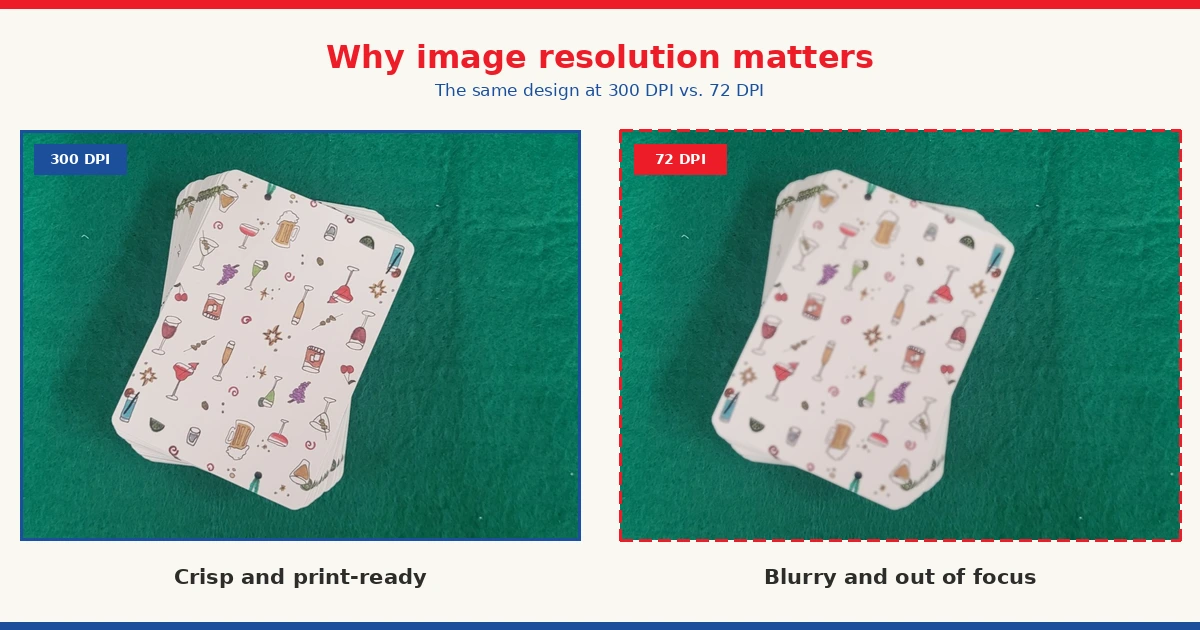
Designing custom playing cards means thinking beyond how your images look on screen. Print quality is something completely different, and if your image resolution isn’t right, your cards could come out grainy or pixelated, no matter how good they looked on your monitor, as printing presses are far more detailed than web images, thus requiring higher image resolution for custom playing cards.
Why image resolution matters for print quality
The resolution of an image determines how sharp or grainy the final print will look. If your image is too low in quality, the final product will be sub-par. This is precisely why you need to know the DPI of your images before using them to make playing cards.
What DPI do custom playing cards require?
Most images found on the web, because they are not required to be high resolution, will often be 72 DPI, which is quite low by printing standards. For best results, you should use only images that are 300 DPI, though, depending on the image, a DPI as low as 150 could be fine. 300 DPI is the standard, though, because it matches the requirements of commercial printing presses. Using vector files, however, ignores the DPI requirement, as vector files are built on mathematical formulas rather than pixels, allowing them to scale to any size without losing quality.
How to check your image’s DPI (Windows)
Checking the DPI of your image is easy, and you can check it through your file explorer on Windows. Watch this video to see how:
How to check image quality (Design Tool)
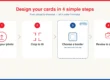
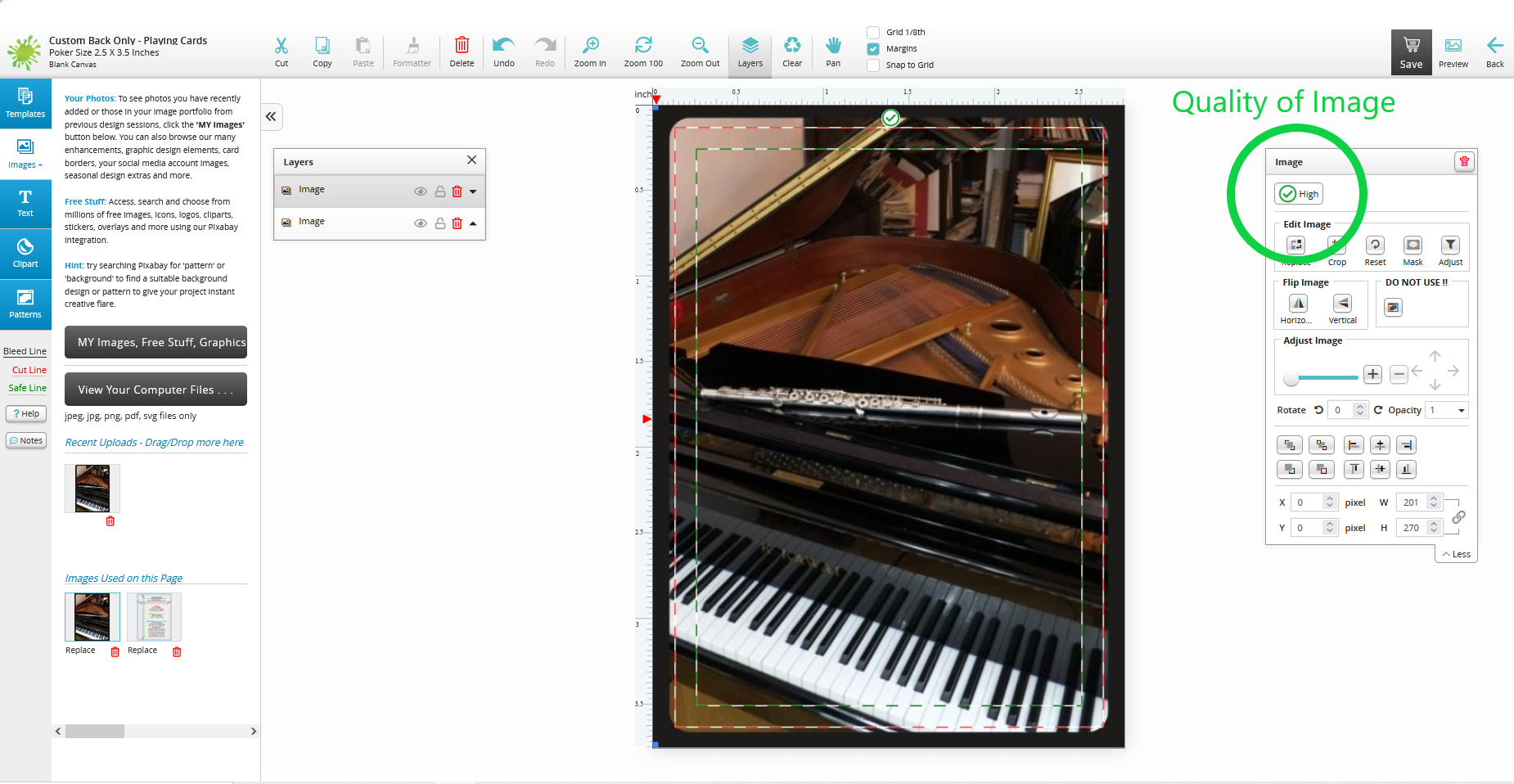
You can also get an idea of your custom playing card image resolution by using the free online design tool. Note, however, that this tool will not give you an exact DPI figure, as it will just tell you whether the provided image is of apt quality or not. To see this working in action, watch this video:
Accepted file formats for custom playing cards
While image resolution is extremely important for your cards to come out looking as intended, the file type is also important, and you can learn more about the best file types for custom playing cards in another one of our blog posts. There are many accepted files you can use with The Playing Card Factory, including, but not limited to, JPG and SVG (a vector file). And when you’re ready to place your order, keep in mind that we have no minimum order quantity, so you can test your design with a single deck before committing to a larger print run.
Try designing your cards today using our free online tool! When you’re ready to order, your custom cards are made right here in Canada, so you won’t be waiting weeks for overseas shipping. If you have any questions about your specific files, you can reach out to us at [email protected].