While you may have a beautiful artwork or photograph you would like to use to design your custom playing cards, we can only work with it if it’s in the right file format. Also important, however, is the resolution of the file you plan to use, as higher quality images produce better results. So, if you needed to know what to use for your custom playing card file formats, you’ve come to the right place.
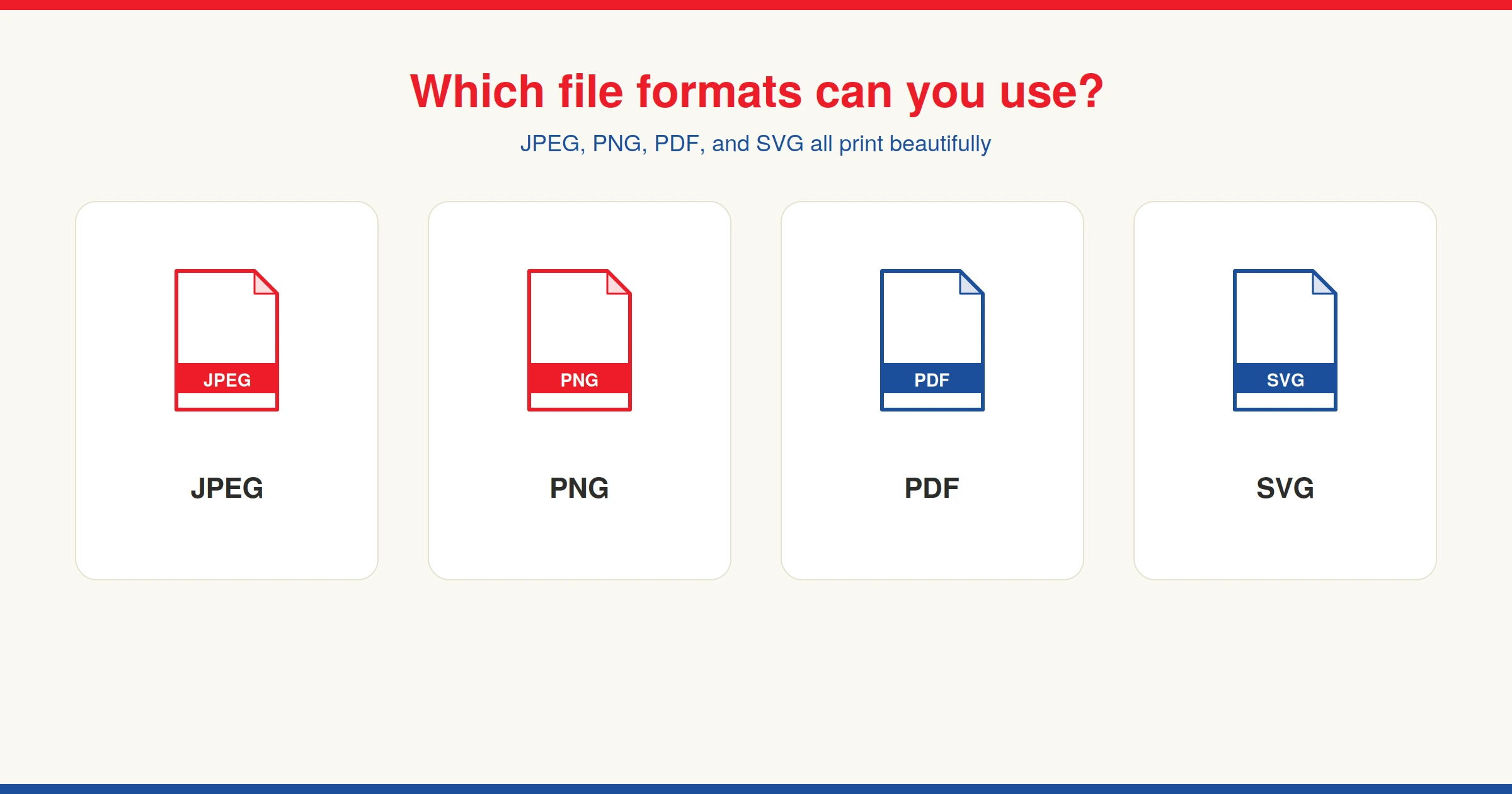
Accepted custom playing card file formats
- JPEG or JPG
- PNG
- SVG
What resolution should my file be?
In short, we recommend the resolution of 300 DPI (dots per inch) for your image, but 150 DPI could work, depending on your design. For example, fine details and intricate designs may print poorly, if they are lower than 300 DPI. You can read more on this in our blog post about image resolution for custom playing cards.
Checking your file quality before you order
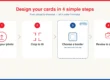
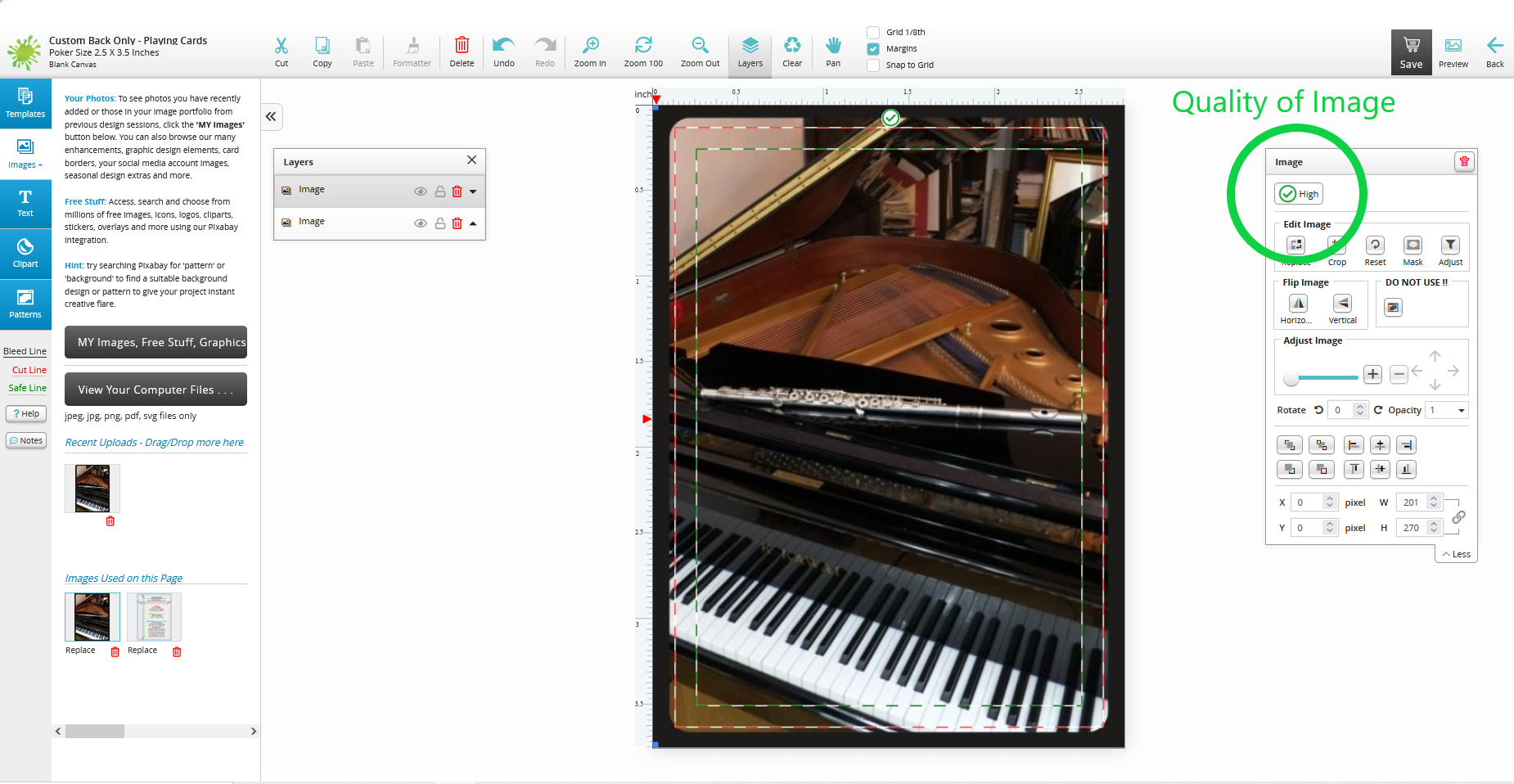
The quality of the images uploaded to The Playing Card Factory’s free online design tool matters a lot, as the cards will match the image you upload exactly. So, if the image is already grainy when you upload it, then the cards will appear that way, too. The design tool on our website can give you information as to the quality of the image. The tool will tell you the quality of the image, but even if the tool shows that it is “high quality,” it would be wise to check the DPI of the image itself. At any rate, if the image seems acceptable to you, you may proceed to checkout, regardless of quality and DPI. The same tool will also display the accepted file formats for personalized playing cards.
Before going ahead to make playing cards yourself, check out our other blog posts to learn more about our simple design process. When you’re ready to place your order, rest assured your cards will be made in Canada using premium, black-core card stock.