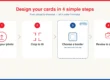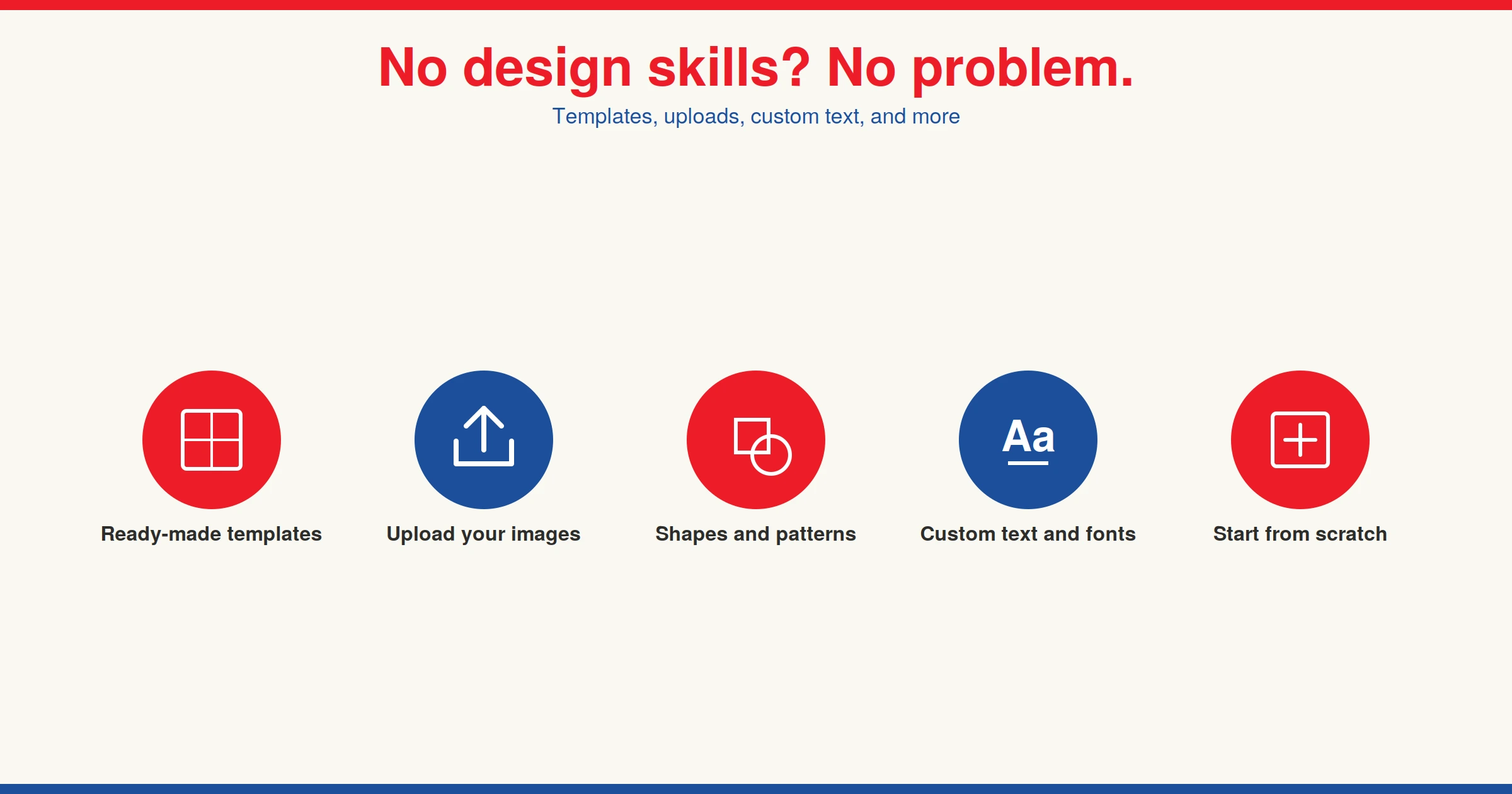
Not everyone is a graphic designer, so we needed to make a tool that levels the playing field, and that is exactly what we did. Using our online design tool, you can design custom playing cards online with no design skills needed.
What can you do with the design tool?
- Use pre-loaded templates
- Use pre-loaded images
- Upload your own images from a computer or phone
- Choose from pre-loaded shapes and patterns
- Upload your own patterns
- Add text
- Customize the font and text colour
- Upload your own finished design
- Start from scratch
A few things to know before you start
We recommend using the design tool on a computer, as we built it with that format in mind. The tool is still usable on a mobile phone, but a computer will still have a smoother user experience. You will need to make sure that your images are the right file type and resolution to make playing cards online. We recommend using a 300-DPI image in JPG or PNG format, though we accept many other file types.
What can you use custom playing cards for?
There are many different reasons to make your own playing cards. Custom playing cards make for great gifts, and they complement game night perfectly. They would also make for a great souvenir for family reunions, gatherings, or as wedding favours. Custom playing cards also have many commercial uses, like giveaways at corporate events, custom games, or as promotional materials. Whatever the occasion, every deck is designed and manufactured in-house in Mississauga, Ontario — so you know exactly where your cards are coming from.
If you want to see the tool in action, you can try it free without an account, or you can watch this video to see the different elements of the tool:
Browse our other guides on how to design custom playing cards online.